See it work
Real screenshots from the app.
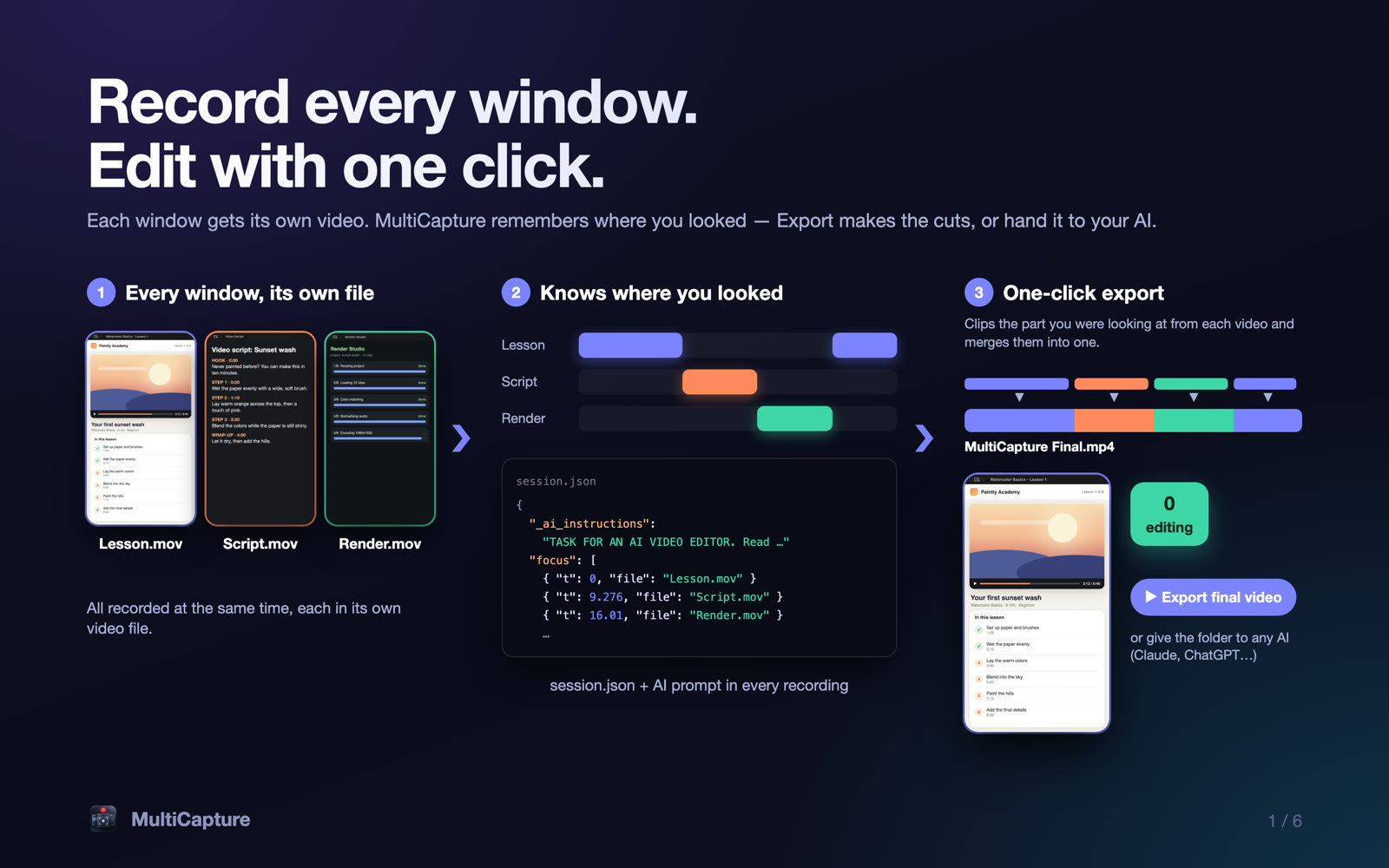
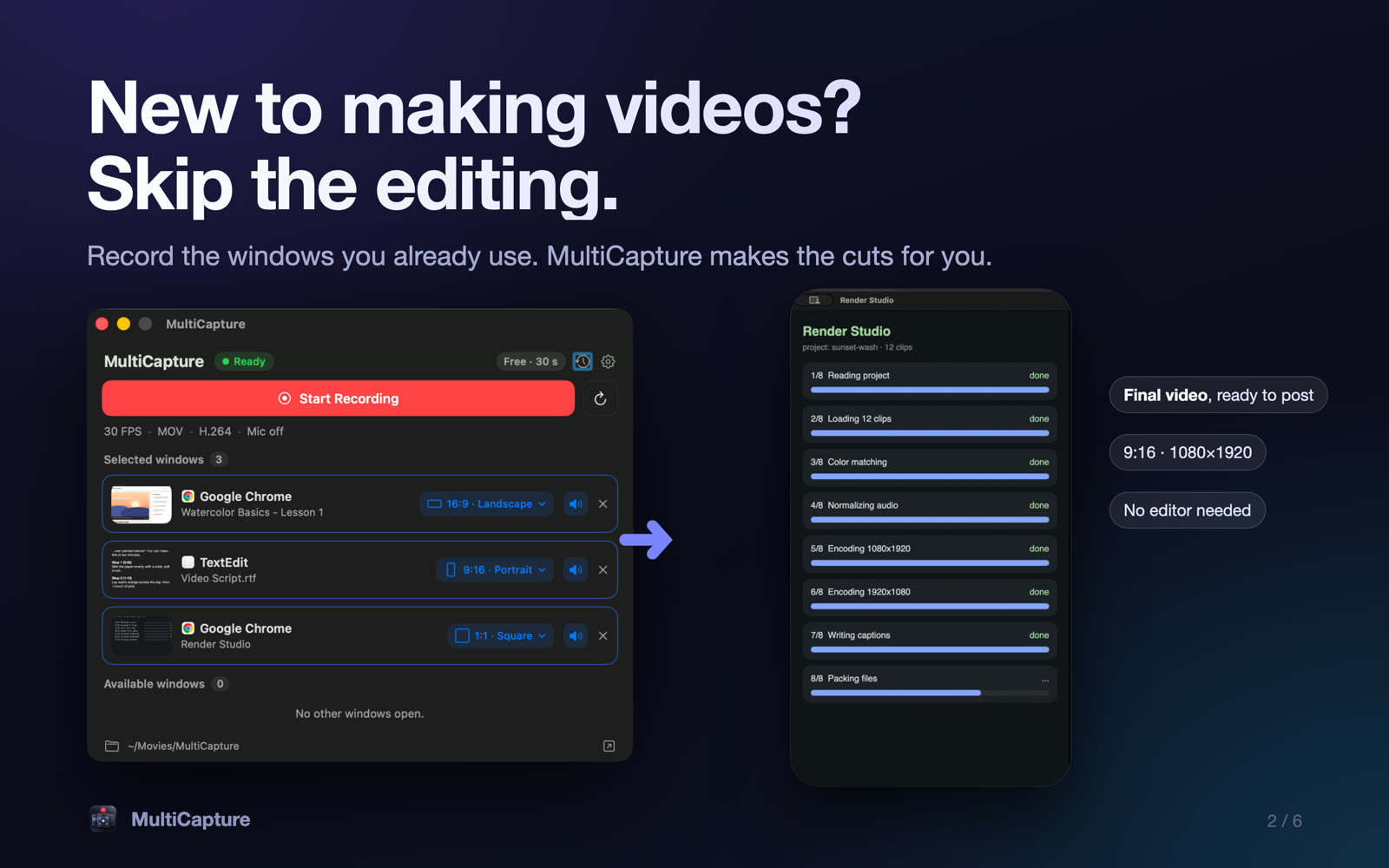
MultiCapture records the windows you already use, each to its own video, at the right size for Shorts, Reels and YouTube. Then it follows where you clicked and cuts the final video for you.
macOS 14 or newer · Free to try · No account needed
Real screenshots from the app.
Built for people who want good videos without learning an editor.
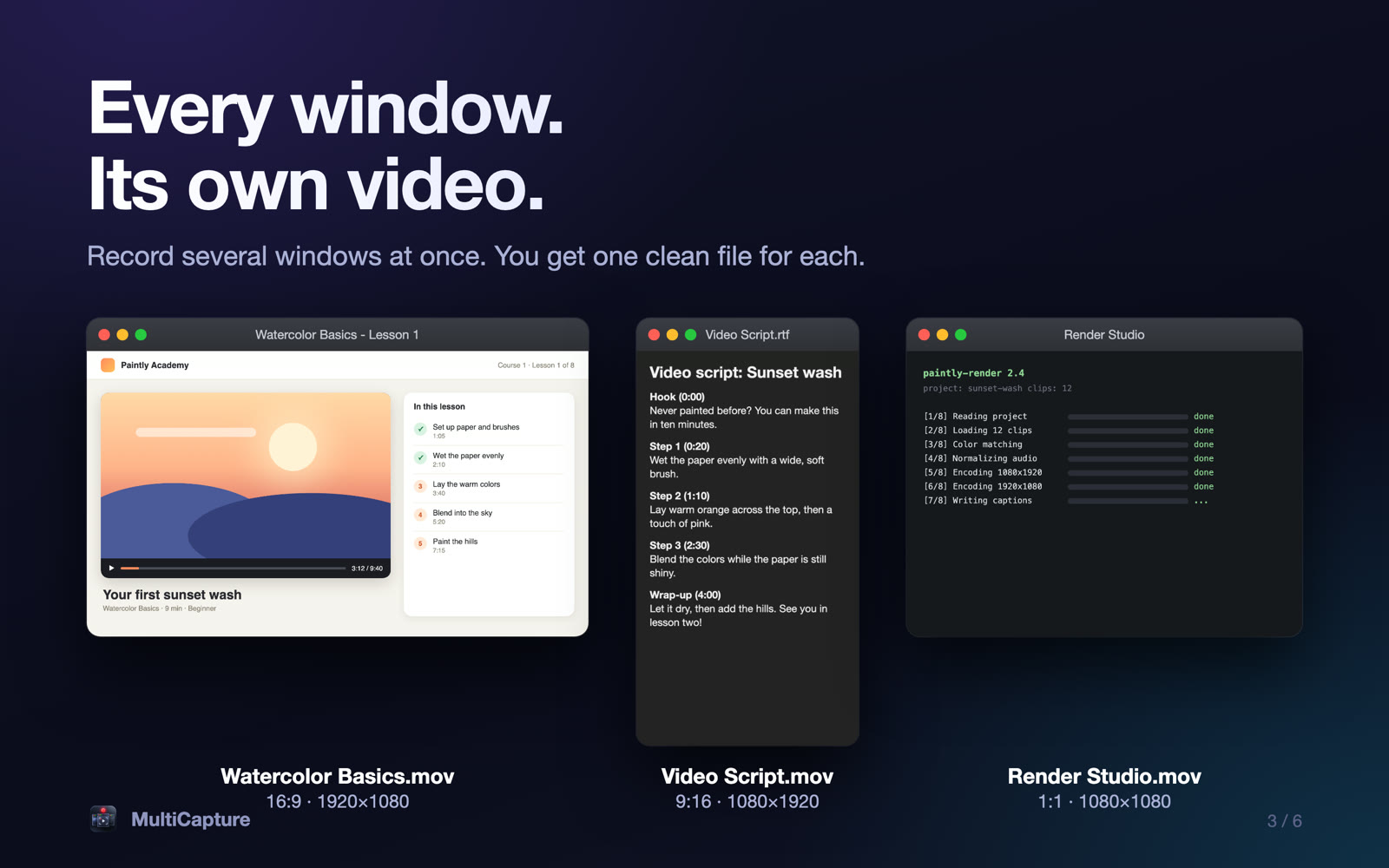
Record several windows at once. You get one clean file per window.
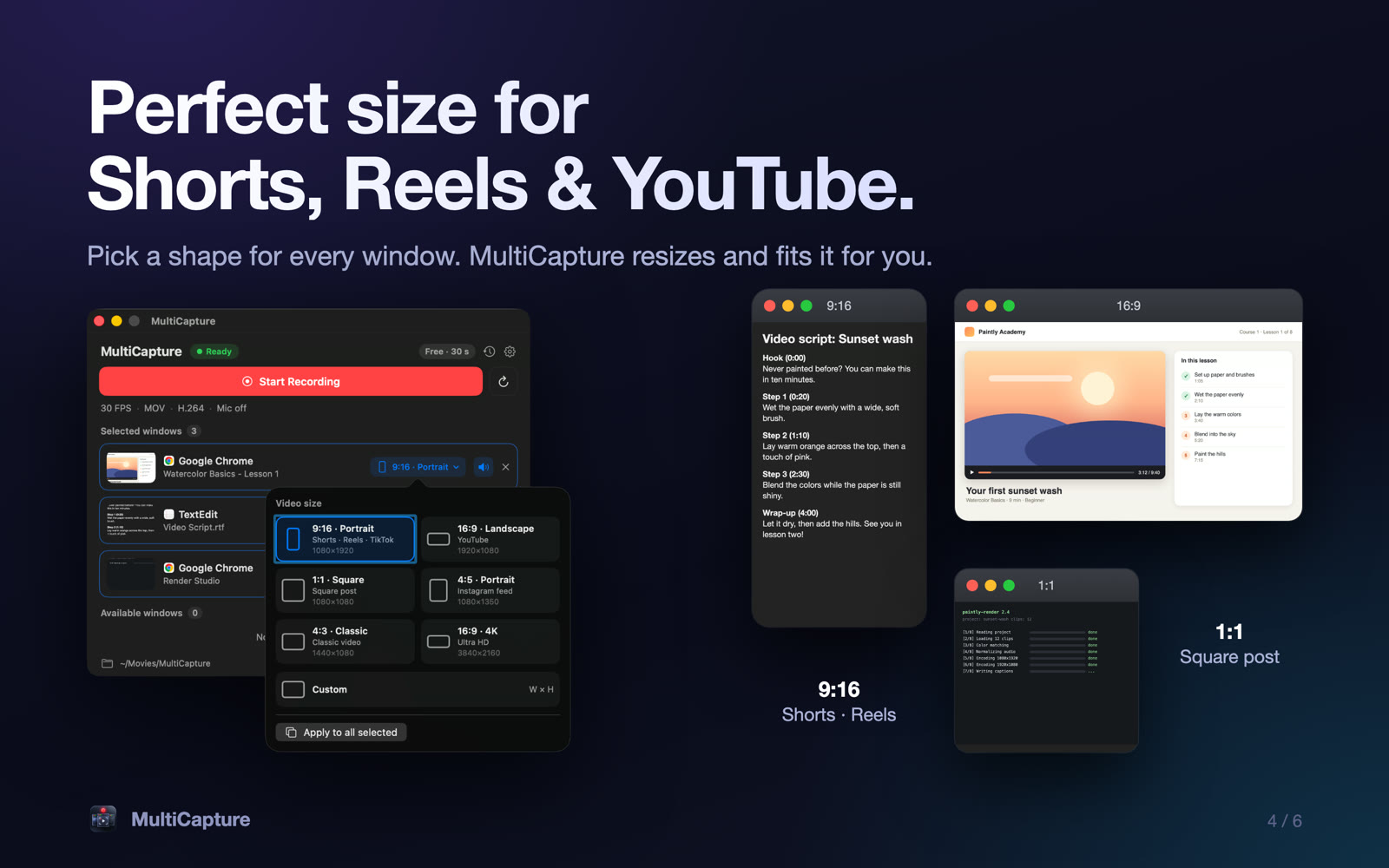
9:16 for Shorts, Reels and TikTok, 16:9 for YouTube, square, 4:5 and 4K. MultiCapture resizes and fits the window for you.
Click between windows as you work. The final video cuts to the one you used, with smooth crossfades.
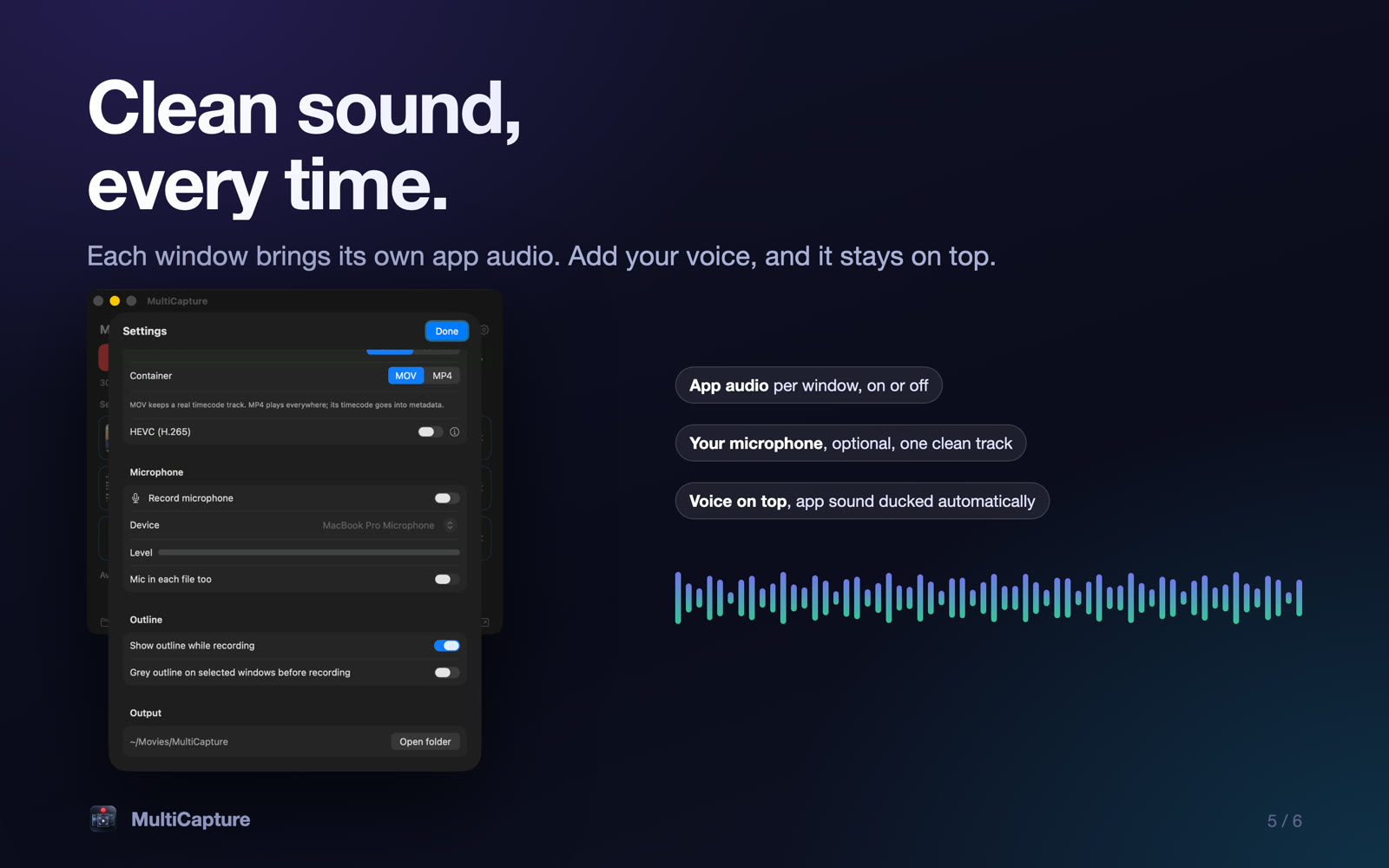
App audio per window, plus your microphone if you want it. Your voice stays on top.
Start recording, then bring in another window whenever you need it.
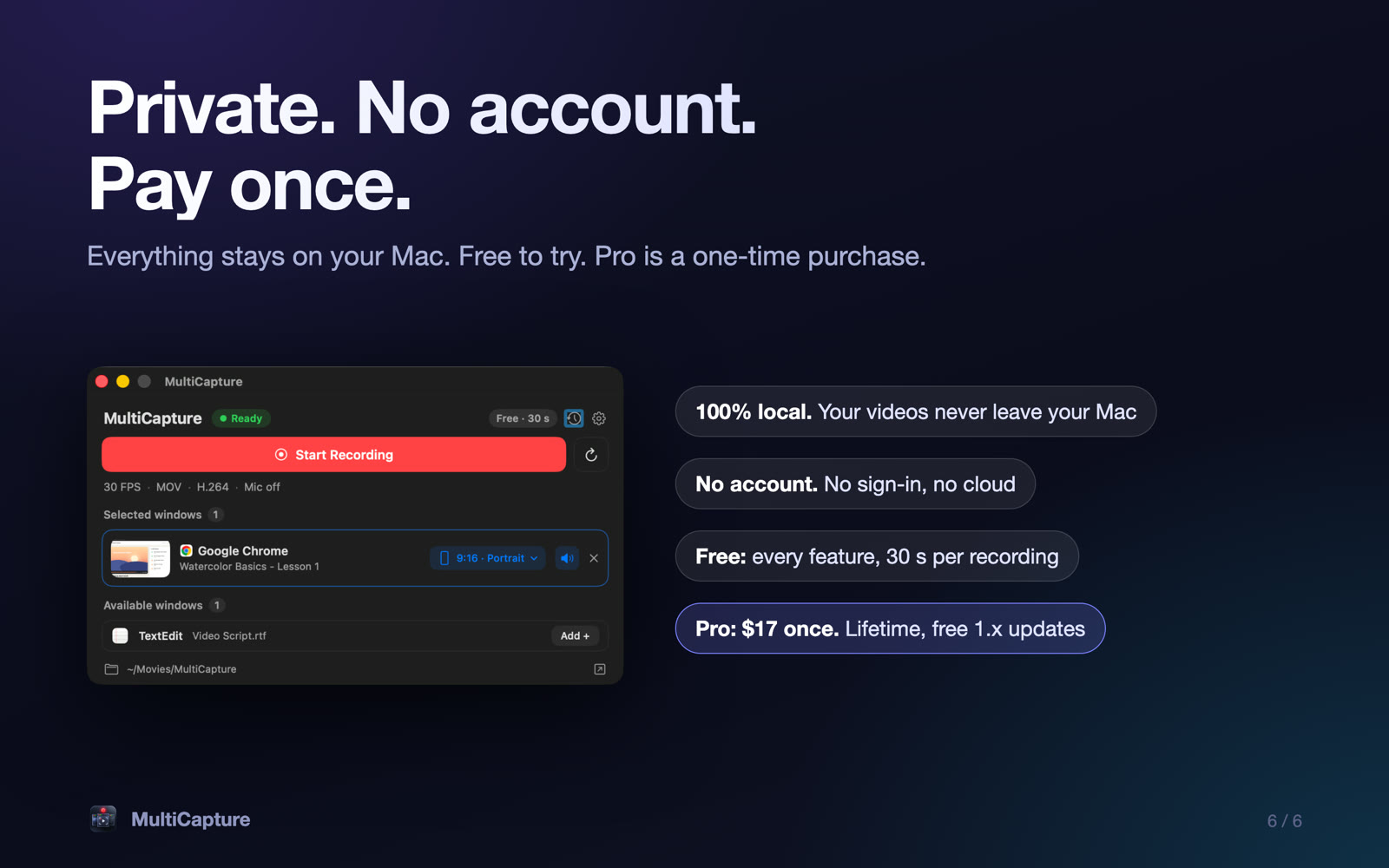
Everything is recorded and saved on your Mac. No account, no cloud.
No subscription. Pro is yours for life.
Prices in USD. Sold by Flexxxlab LLC. Taxes may be added at checkout.
Yes. Recording, resizing and exporting all happen on your Mac. MultiCapture has no account and does not upload your videos. The app only contacts our licence service when you activate or deactivate Pro.
macOS 14 (Sonoma) or newer, on Apple silicon and Intel.
Quietly. MultiCapture checks at most once a day, never while you record or export, and never pops up at launch. If an update is ready you see a small badge and install it when you choose. All 1.x updates are free for Pro owners.
Every feature. Each recording stops at 30 seconds, and your files are saved normally. Pro removes the limit.
If MultiCapture is not right for you, ask within 7 days of buying and we will refund you in full. See the refund page.
Screen Recording (required, to capture the windows you pick), Accessibility (optional, to resize windows) and Microphone (optional, only if you turn it on).
Record something in two minutes. Upgrade when you want longer videos.